Tracking the payment status of issued invoices is a standard part of daily business operations. Backstore allows manual entry of payment details simply by selecting the
Add payment option, available on the main overview and within the invoice details menu.
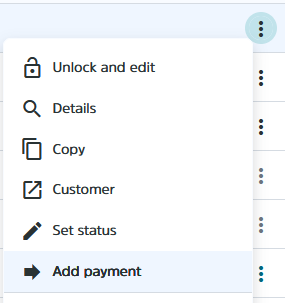
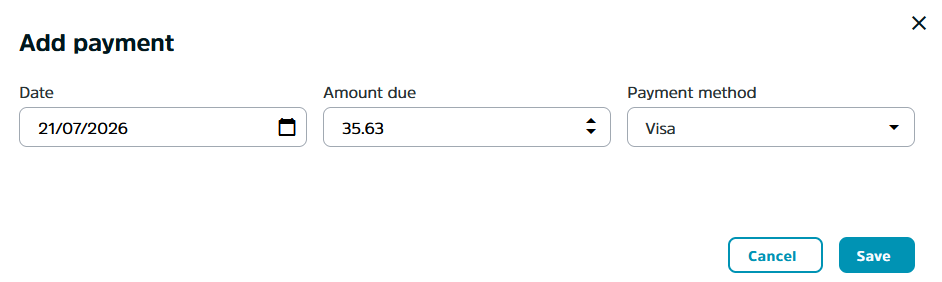
Selecting this option opens a window for entering payment details, where you can:
- enter the payment date
- check the remaining amount until full invoice settlement
- select the payment method
Confirm the entry by clicking the
Save button.
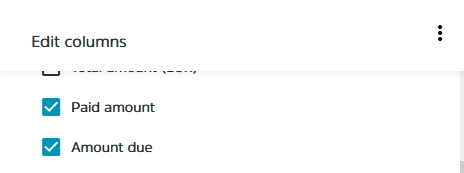
On the main overview, you can also enable additional columns to display:
Paid,
Amount due,
Payment date, and
Payment method.